Tutorial 2 of 4
Missions, multiball and the wizard mode
Beginner 6 min
How a Pinquest table tells its story — start missions, read the mission panel, lock balls for multiball and unlock the wizard mode that completes a table.
Every Pinquest table has three to five missions that tell a story, from breaching the witch's castle gate to holding out in a zombie diner until sunrise. Finish them all and the table's wizard mode opens.
Start a mission
One shot on each table starts missions: its insert on the playfield blinks, and the mission panel says Shoot the blinking mission start. Hit it and the next mission begins: the mission title zooms onto the display, a story card with the mission's picture tells what happens next (beside the table on wide screens, in the story strip above the table on phones), a wave of light runs up the playfield and the camera leans in for a moment.
Missions are played in order. A mission you fail stays next in line, so you can try again. Finish one and the display bursts with Mission complete!, the lights ring out from the centre and confetti rains down.
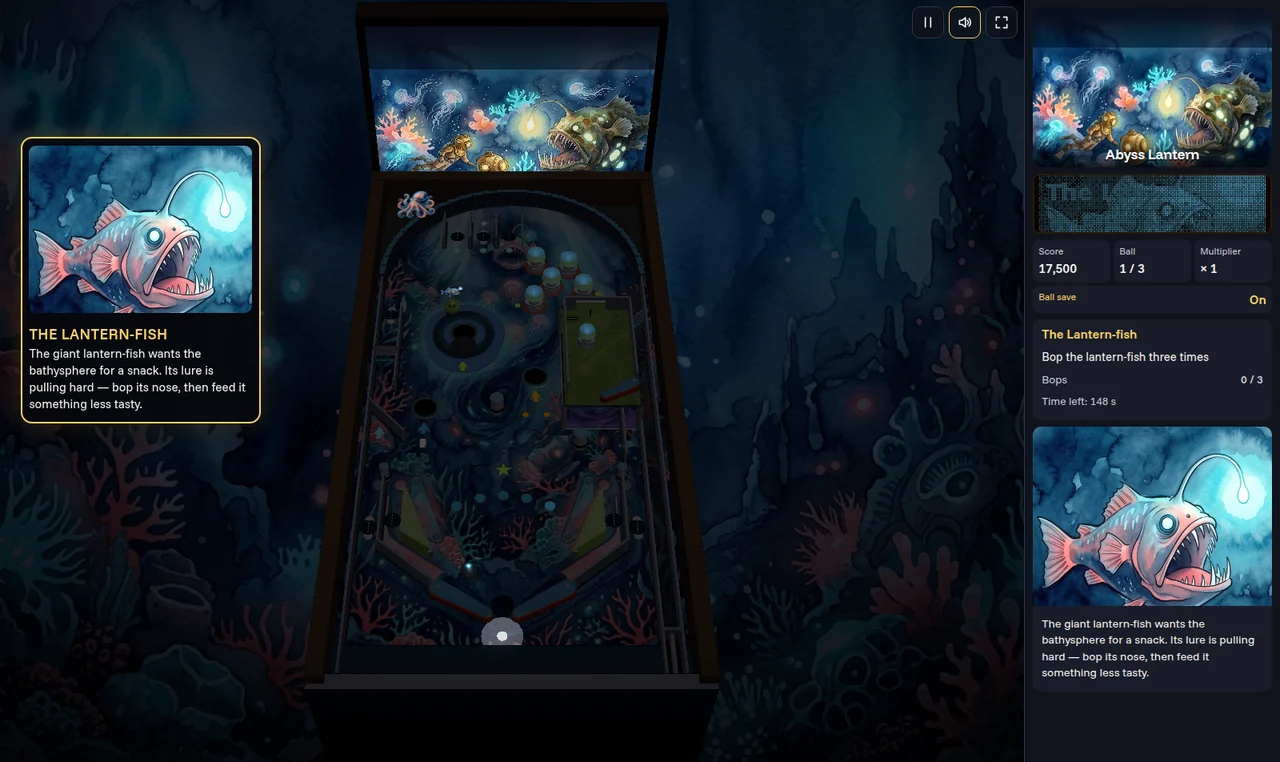
Every table has its own toy
Each table has a signature piece that changes how you play it. A few examples:
- The Haunted Big Top: a striped carousel turns in the centre ring, and its ghost horses circle the ring scoop — time your shot between them.
- Phantom Subway: three ghostly train carriages run along a track across the middle of the table; shots to the upper half have to slip through the gaps.
- Abyss Lantern: from the third mission on the abyss goes dark. Only the lit inserts and the glowing ball light the way.
- Kaiju Harbour: a health bar floats over the kaiju; every hit knocks out one of its ten segments.
- Sunken Atlantis, Dustwater Gold Heist and Tomb of the Sun Pharaoh: the tide gate, the saloon doors and the sarcophagus lid sink into the playfield when they open and rise again when they close.
- Spellbound Academy: the moving staircase swaps its flights — the open one glows, the closed one fades.
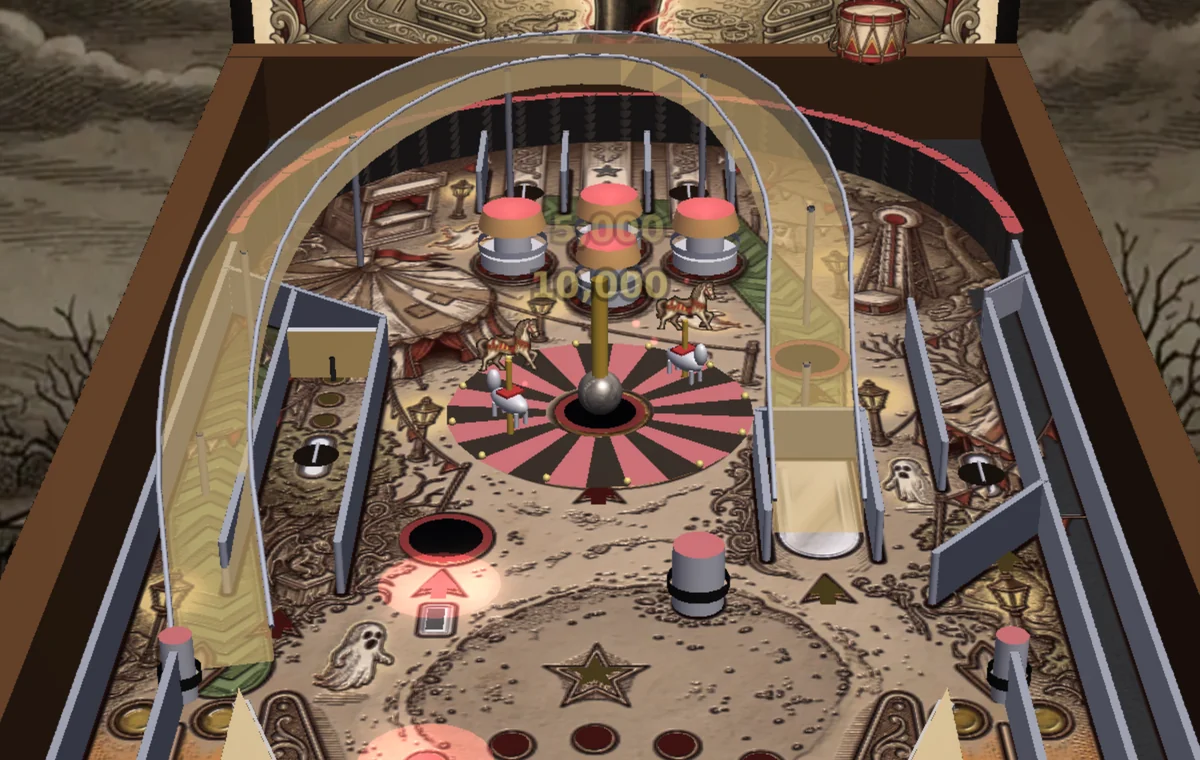
Follow the mission panel
While a mission runs, the panel beside the table (above it on a phone) shows:
- the mission title and what to do now,
- one line per goal with a counter, for example Drawbridge 1 / 2,
- the time left when the mission runs against the clock.
The inserts of the shots you need blink fast on the playfield. Goals that are done get a tick. Some missions have several stages: finishing one stage starts the next.
A mission fails when its time runs out or — on most missions — when your last ball drains.
Locks and multiball
Some missions ask you to lock balls in a saucer or a lock lane. A locked ball stays there and a new ball comes to the plunger. When the multiball starts, the locked balls are released and you play with two, three or four balls at once. With the Follow the ball camera the view pulls back to show the whole table. Jackpots during multiball score big.
The wizard mode
When every mission is done, the mission start lights up for the wizard mode — the table's finale, usually a big multiball where every lit shot is a jackpot. Its title sweeps across the display and the camera circles the table once before the balls fly. Beat it and the table is marked Completed on its card. After that the missions start over with double rewards.
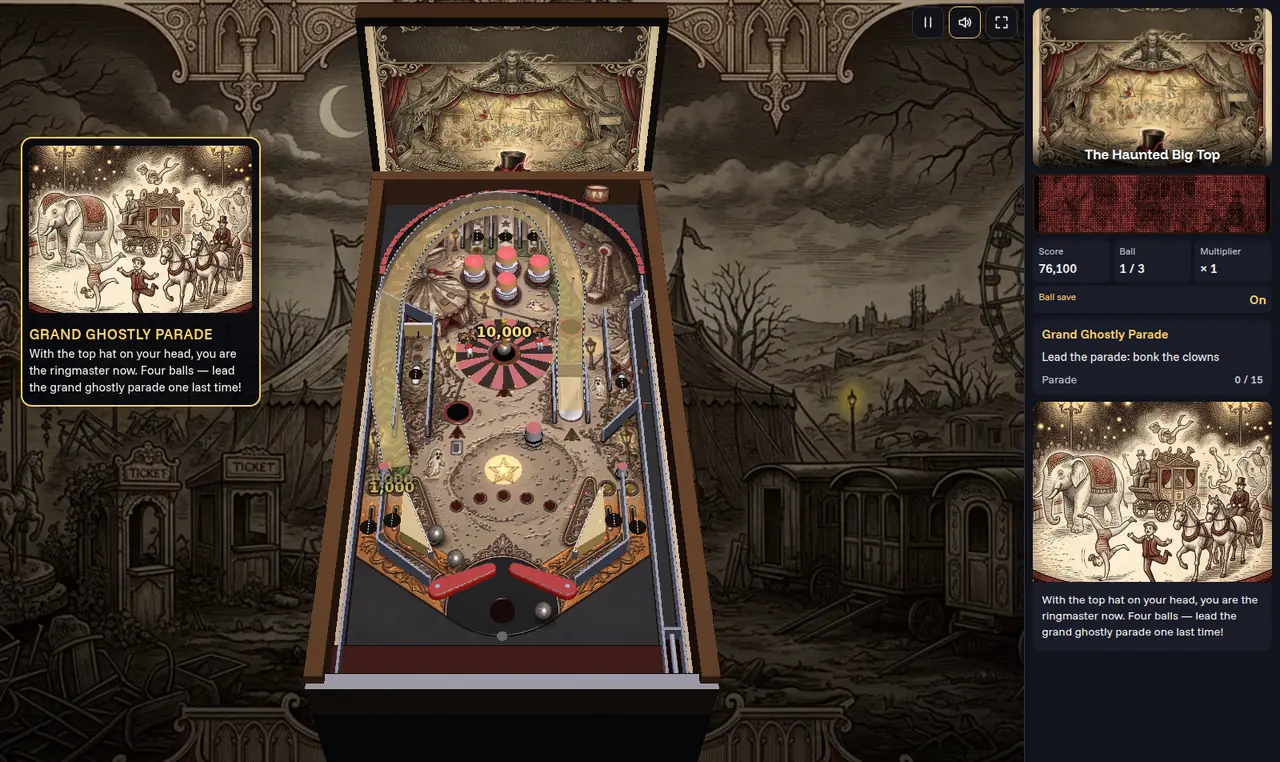
Your finished missions are kept between games: the table card and the mission list show what you have already done.
Ready to try it?