 Pinquest. Story pinball game
Play story pinball in 3D: 32 themed tables, each in its own art style, with missions, multiball and a wizard mode to beat. Full screen, keyboard, touch or gamepad.
Games, high scores and progress are saved only in this browser; nothing is sent to our server.
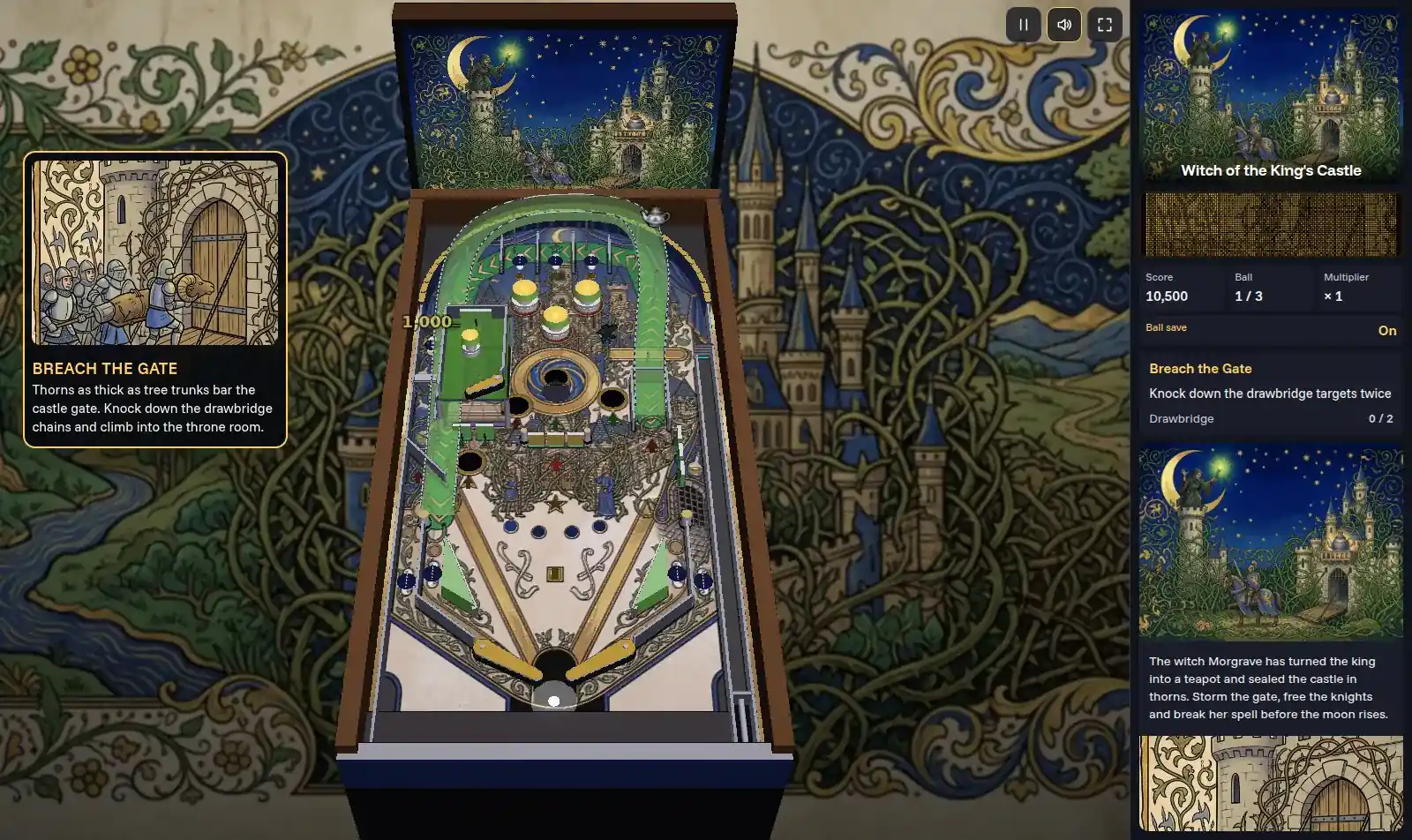
Pick one of 32 story tables
Shoot the mission start, then follow the display: knock down targets, lock balls, hit ramps against the clock. Every mission moves the story on.
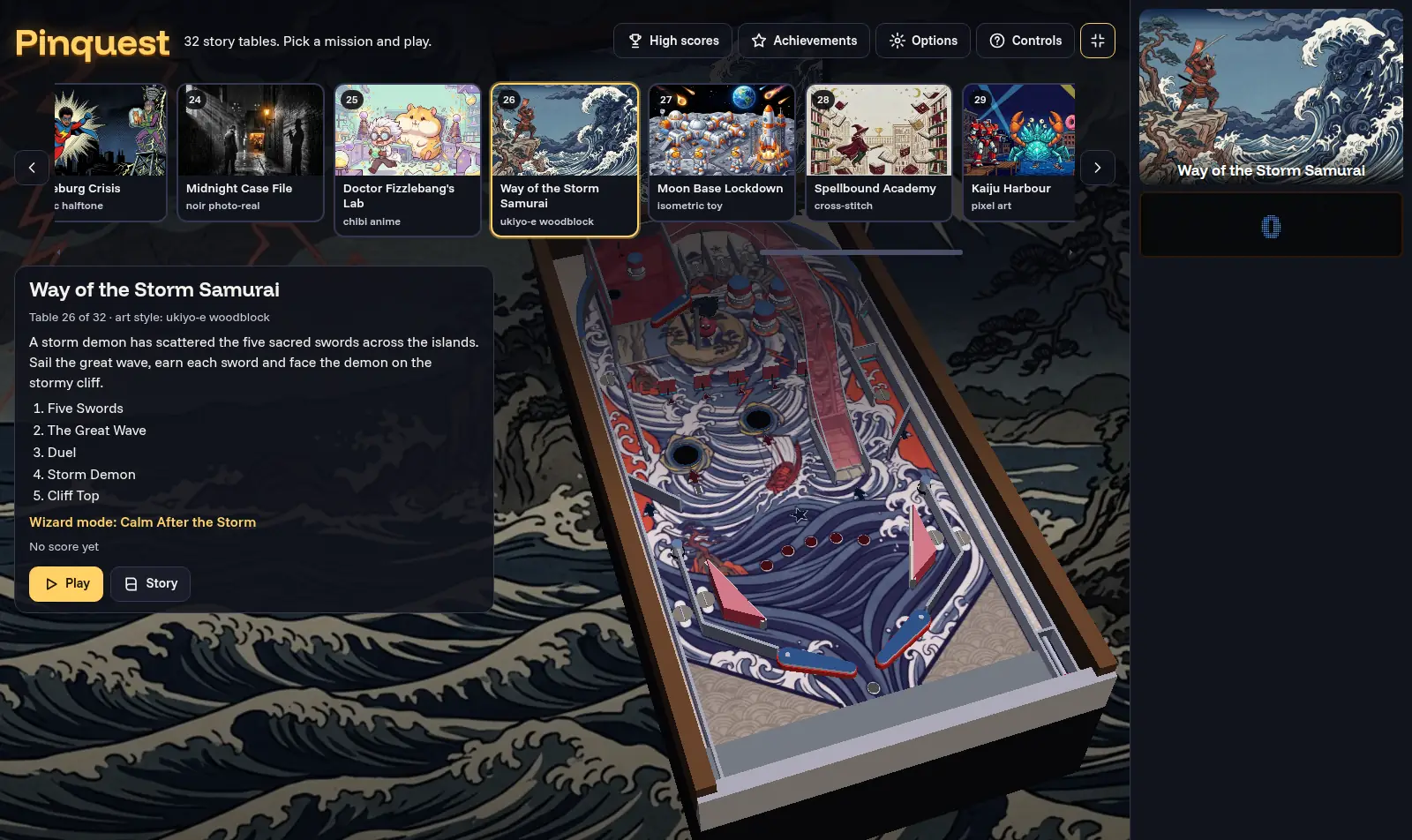
Plays on phones too
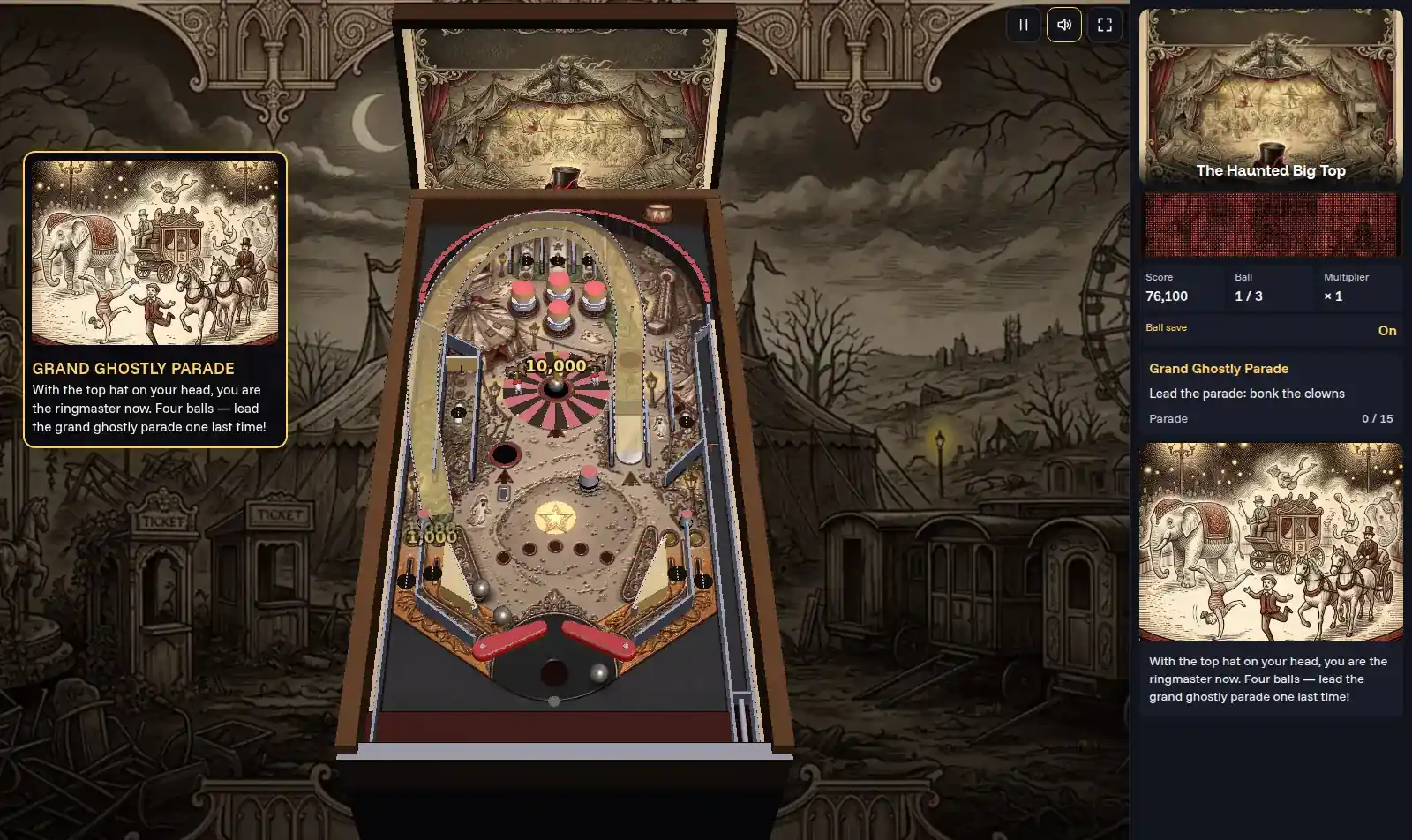
An orange dot display shows the score and the mission, the panel beside it tells the story with a picture for every mission.
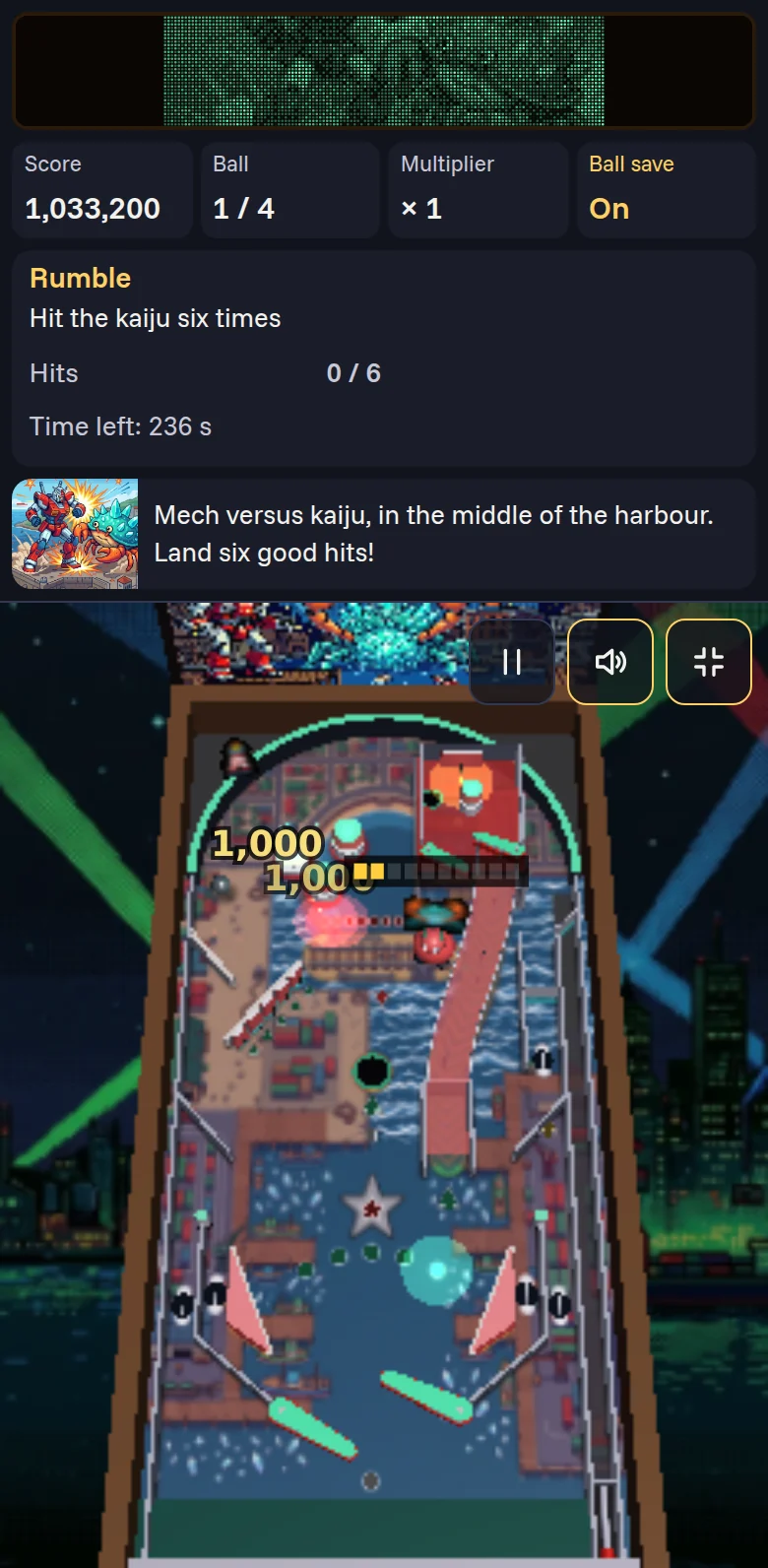
Story missions with their own pictures
AI agents and table makers can validate a table file and let a robot player test whether every mission goal can be reached.
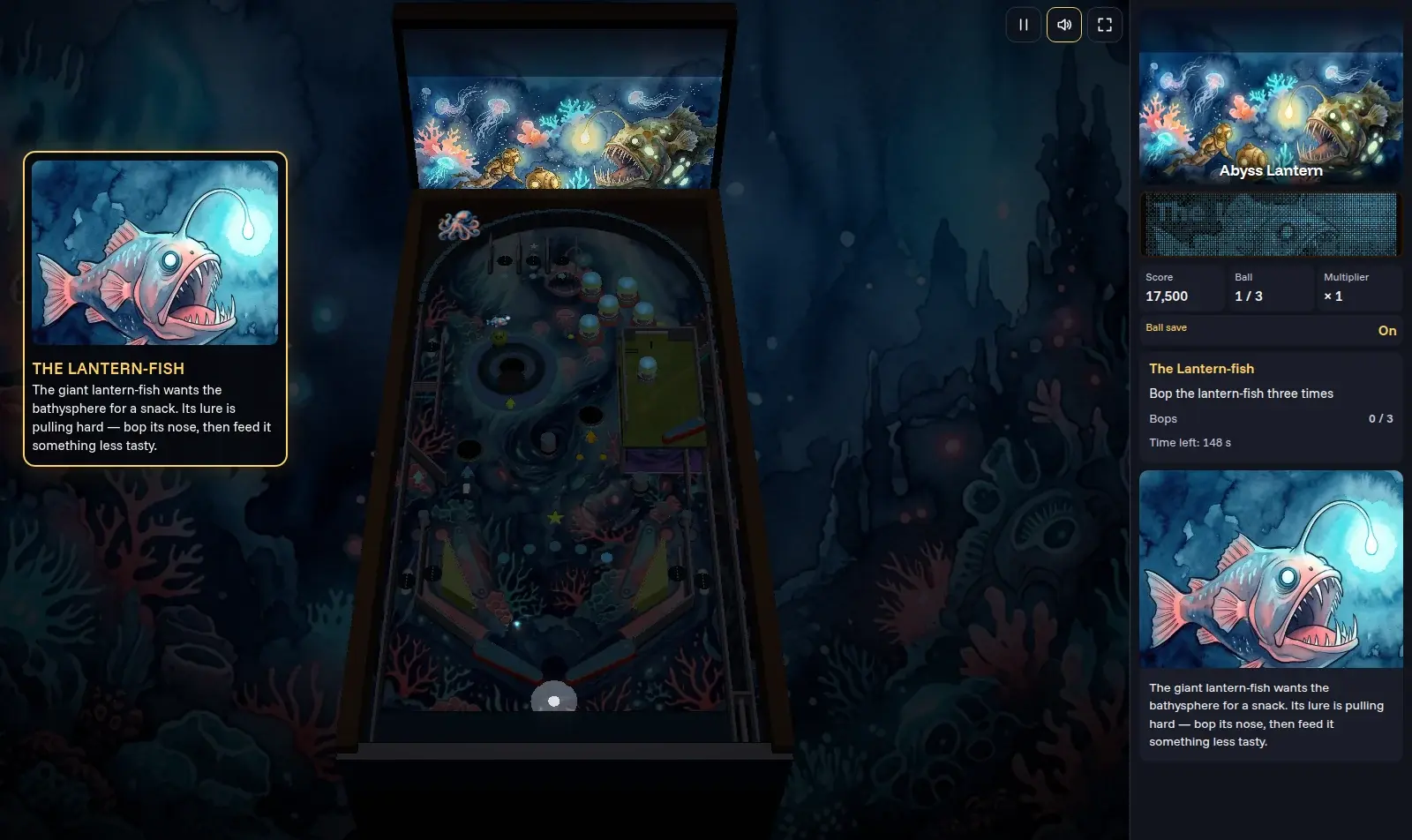
Wizard modes and moving toys
Finish every mission on a table to unlock its wizard mode — a big multiball finale. Beat it and the table counts as completed.
Your own flipper keys
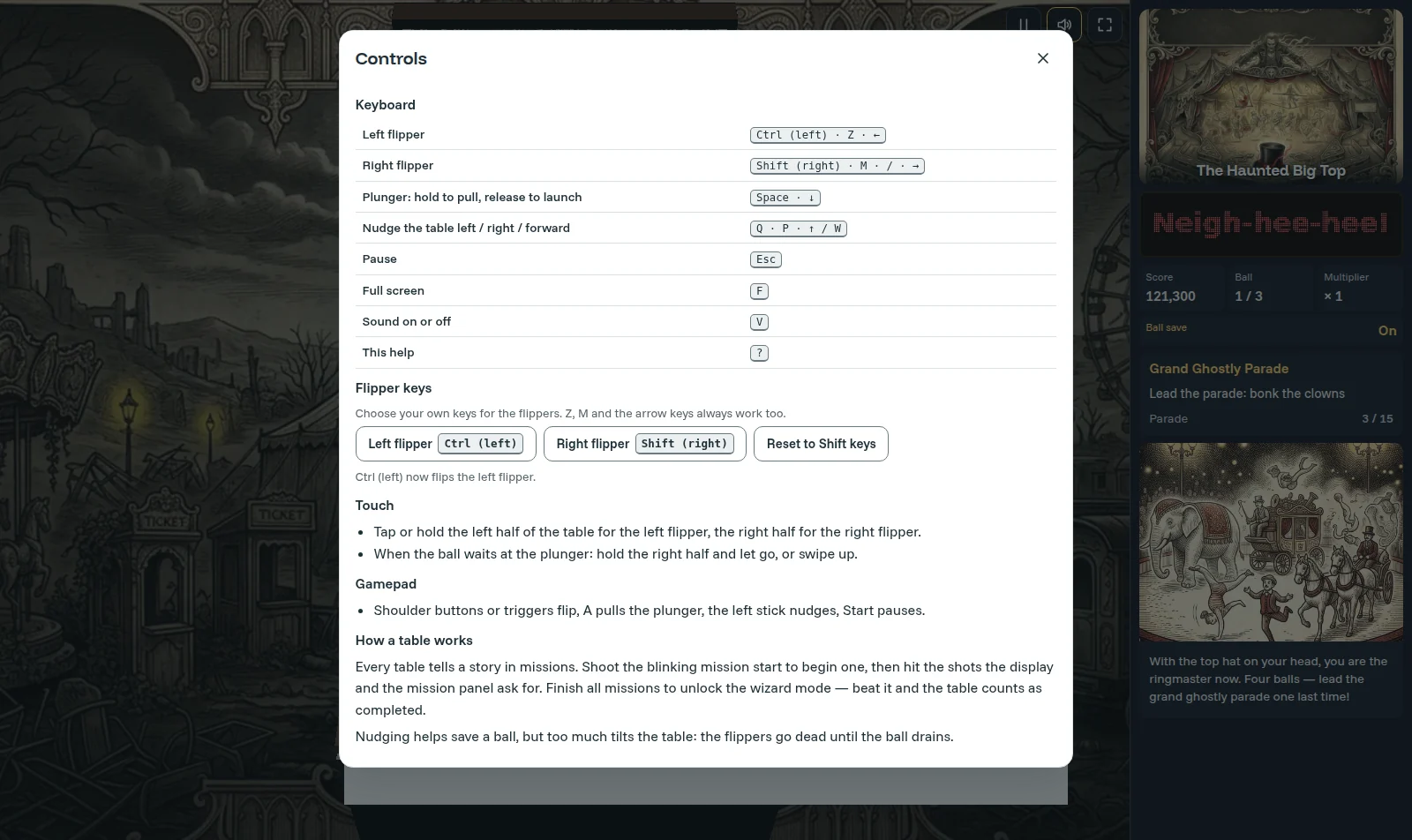
Shift, Z/M or the arrow keys flip, Space launches, Q and P nudge. Tap the left or right half on a phone, or use the shoulder buttons of a gamepad.
Features
Pinquest is an arcade pinball game with a story on every table: defeat the witch in the king’s castle, survive the zombie night, chase cursed pirate gold or save a wobbling space station. Each of the 32 tables has its own layout, toys and art style, a chain of missions told on a dot-matrix display and story panel, multiball, combos and a wizard mode that completes the table. It runs in the browser in full screen with real 3D tables, lights and effects, plays with the keyboard, touch or a gamepad, and keeps high scores and progress on this device.
32 story tables
From the witch’s castle and a zombie diner to a space station, a dragon’s lair and a ghost subway — each with its own layout, toys and signature trick.
A different art style on every table
Illuminated manuscript, claymation, oil painting, stained glass, pixel art, ukiyo-e and 26 more: playfield, backglass and story pictures match.
Real 3D tables
Ramps, rails, pop bumpers, slingshots, drop targets, spinners, saucers, magnets and moving toys, lit by the insert lamps around the ball.
Light shows and effects
Sparks, confetti, camera shake, glow, slow motion on the big moments and a light show when a mission starts — calmer in calm mode.
Fair, exact physics
Fixed time steps with continuous collision: the ball never slips through a flipper, and the same shot always plays the same way.
Full screen on any screen
One click for full screen. Wide screens get the table plus a side panel, phones a tall table with the display on top.
Sound and an announcer
Flipper clacks, bumper pops, theme music and announcer callouts. Music, voice and effects each have their own switch; nothing plays before you start.
High scores and achievements
Ten best scores per table, mission progress and achievements stay on this device. Download them as a file or keep them in Google Drive.
Calm mode and screen-reader updates
Calm mode turns off shaking, flashing and slow motion. Missions, scores and ball events are announced, and every menu works with the keyboard.


Templates
Start from a ready-made project and change it to fit.
Witch of the King's Castle
The witch Morgrave turned the king into a teapot. Breach the gate, free the knights, brew the counter-charm and duel her in the tower.
Zombie Night
Board up the diner, keep the generator running and survive the zombie horde until sunrise.
Cursed Doubloons
Hoist the sails, outgun a ghost galleon and return every cursed doubloon before the crew turns to coral.
Orbital Meltdown
Reroute the power, dock the supply shuttle and play a zero-gravity multiball before orbit decays.
Built-in tools
Pinquest uses these tools. Each one also has its own page and works on its own, on its page, through the JSON API and through MCP.
- Pinball Table Checker Pinquest engineValidate a Pinquest pinball table and prove every mission goal can be reached by a bot.
- Pinball Score Simulator Pinquest enginePlay whole Pinquest pinball games with a bot: score spread, missions finished and a ball heat map.
- Pinball Flipper Shot Map Pinquest engineWhere does a pinball flipper shot go? Paths and first switches for spots along a Pinquest flipper.
For AI agents
Pinquest runs on a deterministic engine. The same functions are available as tools with a JSON API and MCP, so scripts and AI agents get exactly the results the app shows.
- Pinball Table Checker – Validate a Pinquest pinball table and prove every mission goal can be reached by a bot.
Tool page ·POST https://pinquest.usefulweb.app/api/v1/tools/pinquest-table-check/calculate· MCPpinquest_table_check - Pinball Score Simulator – Play whole Pinquest pinball games with a bot: score spread, missions finished and a ball heat map.
Tool page ·POST https://pinquest.usefulweb.app/api/v1/tools/pinquest-score-sim/calculate· MCPpinquest_score_sim - Pinball Flipper Shot Map – Where does a pinball flipper shot go? Paths and first switches for spots along a Pinquest flipper.
Tool page ·POST https://pinquest.usefulweb.app/api/v1/tools/pinquest-shot-map/calculate· MCPpinquest_shot_map
- MCP endpoint (Streamable HTTP):
https://pinquest.usefulweb.app/mcp - Project file format (JSON Schema): https://pinquest.usefulweb.app/project.schema.json
- OpenAPI description: /openapi.json · llms.txt · API & MCP
Build a project through the API, then open it in the app with a link to https://pinquest.usefulweb.app/app#project=<base64url JSON>.
Import & export
Import
- Pinquest progress file (.pinquest.json)
Export
- Pinquest progress file (.pinquest.json)
Keyboard shortcuts
| Keys | Action |
|---|---|
| Left Shift / Z / Left | Left flipper |
| Right Shift / M / Right | Right flipper |
| Space | Hold to pull the plunger, release to launch |
| Q / P | Nudge the table left or right |
| Up / W | Nudge the table forward |
| Esc | Pause |
| F | Full screen |
| V | Sound on or off |
| ? | Show the controls |
Tutorials
Learn Pinquest step by step.
- Your first game of PinquestPick a table, read the briefing, launch the ball and keep it alive with the flippers — the basics of Pinquest in five minutes.Beginner 5 min
- Missions, multiball and the wizard modeHow a Pinquest table tells its story — start missions, read the mission panel, lock balls for multiball and unlock the wizard mode that completes a table.Beginner 6 min
- Nudging, tilt, combos and skill shotsSave balls with a nudge without tilting the table, aim with the flippers, chain combos and catch the skill shot on launch.Intermediate 6 min
- Full screen, controls, settings and calm modePlay in full screen on any device, use a gamepad, choose the camera and graphics quality, turn on calm mode and keep your progress as a file.Beginner 5 min
Frequently asked questions
Do I need to install anything or sign up?
No. Pinquest runs in the browser. High scores, mission progress and achievements stay in this browser’s storage; you can download them as a file or, after signing in, keep them in Google Drive.
How do I play with the keyboard?
Left Shift, Z or the left arrow key moves the left flipper, Right Shift, M or the right arrow key the right one. Hold Space to pull the plunger and let go to launch. Q and P nudge the table, Esc pauses, F switches to full screen and ? shows all controls.
How do I play on a phone or tablet?
Tap or hold the left half of the table for the left flipper and the right half for the right flipper. When the ball waits at the plunger, hold the right half and let go, or swipe up. Full screen works on most phones; on an iPhone the game covers the whole page instead.
How do missions work?
Every table tells a story in missions. Shoot the blinking mission start to begin one, then hit the shots the display and the mission panel ask for — some missions run against the clock or start a multiball. Finish them all to unlock the wizard mode; beat it and the table is marked as completed.
What happens if I nudge too much?
A nudge pushes the ball a little, which can save it from the drain. Too many nudges in a short time give a warning, and after the warnings the table tilts: the flippers go dead until the ball drains and that ball earns no bonus.
Can I play with a gamepad?
Yes. The shoulder buttons or triggers flip, A pulls the plunger, the left stick nudges and Start pauses. Most current gamepads work in Chrome, Edge and Firefox.
Where does the artwork come from?
The table art, story pictures and characters were generated for Pinquest with AI image models, each table in its own style; the 3D tables, lights and effects are drawn by the game itself. Details are on the credits page.
My device stutters or has no 3D graphics. Can I still play?
Yes. Pinquest lowers the detail by itself when the game stutters, and Options has a low quality setting. Without WebGL it shows the table from above with the same game.
Limitations
What Pinquest does not do (yet):
- Single player only, on one device: no online play, no hot-seat for several players and no shared high-score lists.
- The physics is a fast arcade model, not a simulation of a real machine: no ball spin, and the table slope only changes where a mission changes gravity.
- Tables are made by us; there is no table editor in the app yet (table makers can check their own table files with the table check tool).
- Recorded announcer voices exist in English and German; other languages use the browser’s speech voice where one is installed.
- Full screen depends on the browser: iPhones do not allow it for web pages, so the game covers the page instead.
- High scores and progress live in this browser until you download them or save them to Google Drive.
Other apps
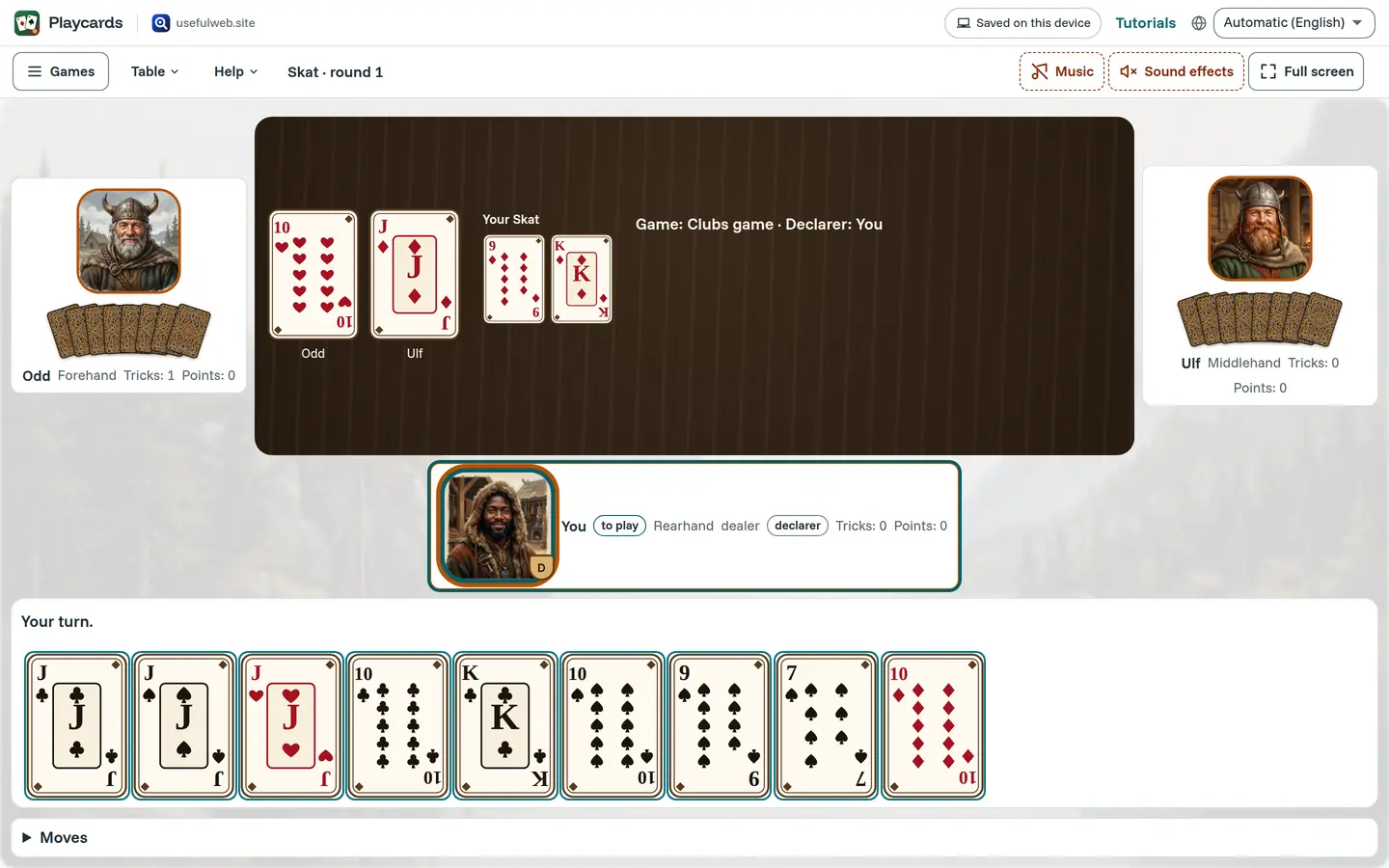
Card games table
46 card games from Skat and Jass to Scopa and Daifugō, vs the computer, at home or online.
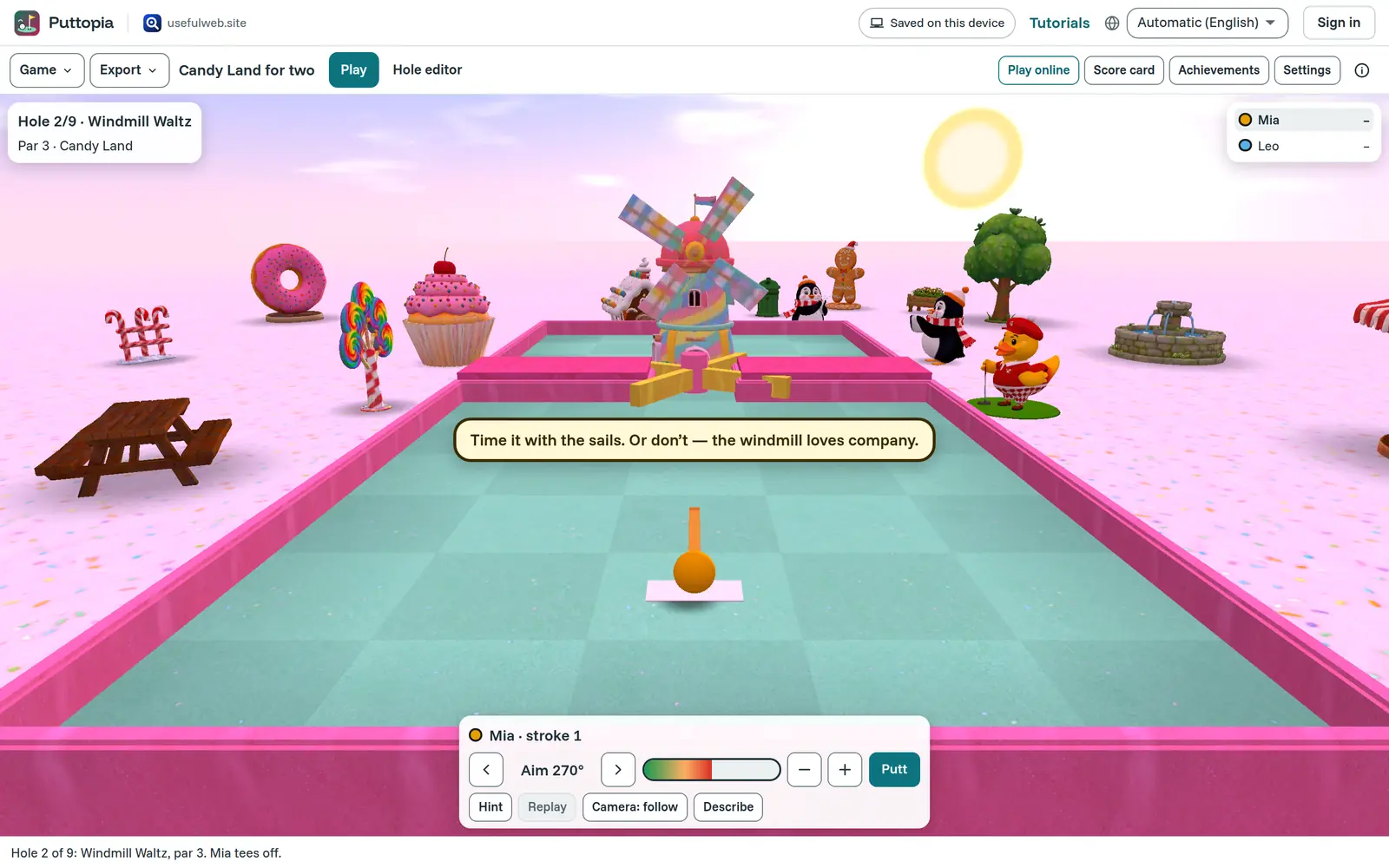
Funny 3D minigolf game
Funny 3D minigolf: windmills, loops, portals and cheering gummy bears.
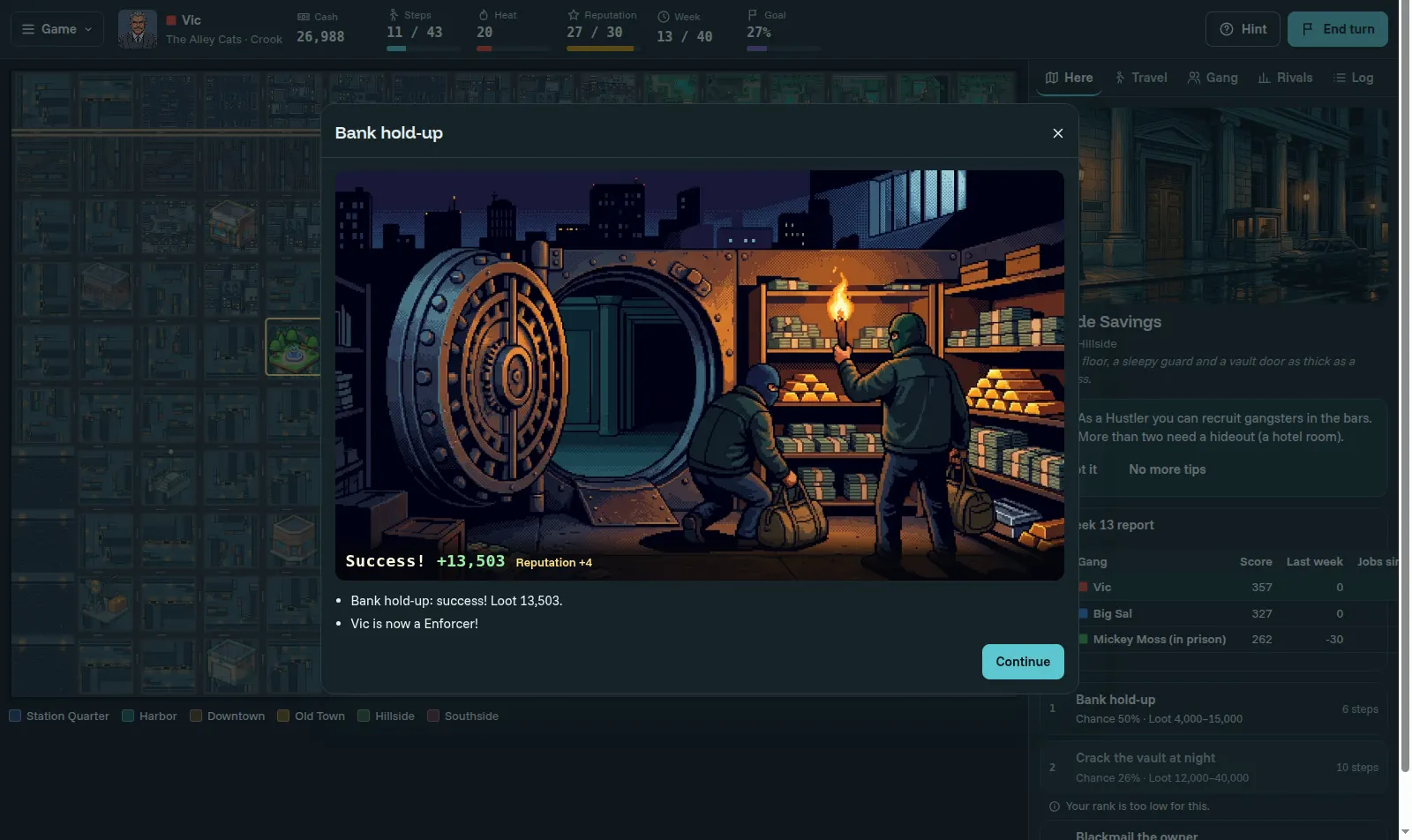
Turn-based crime strategy game
Rise from pickpocket to Kingpin in a turn-based 90s crime strategy game.
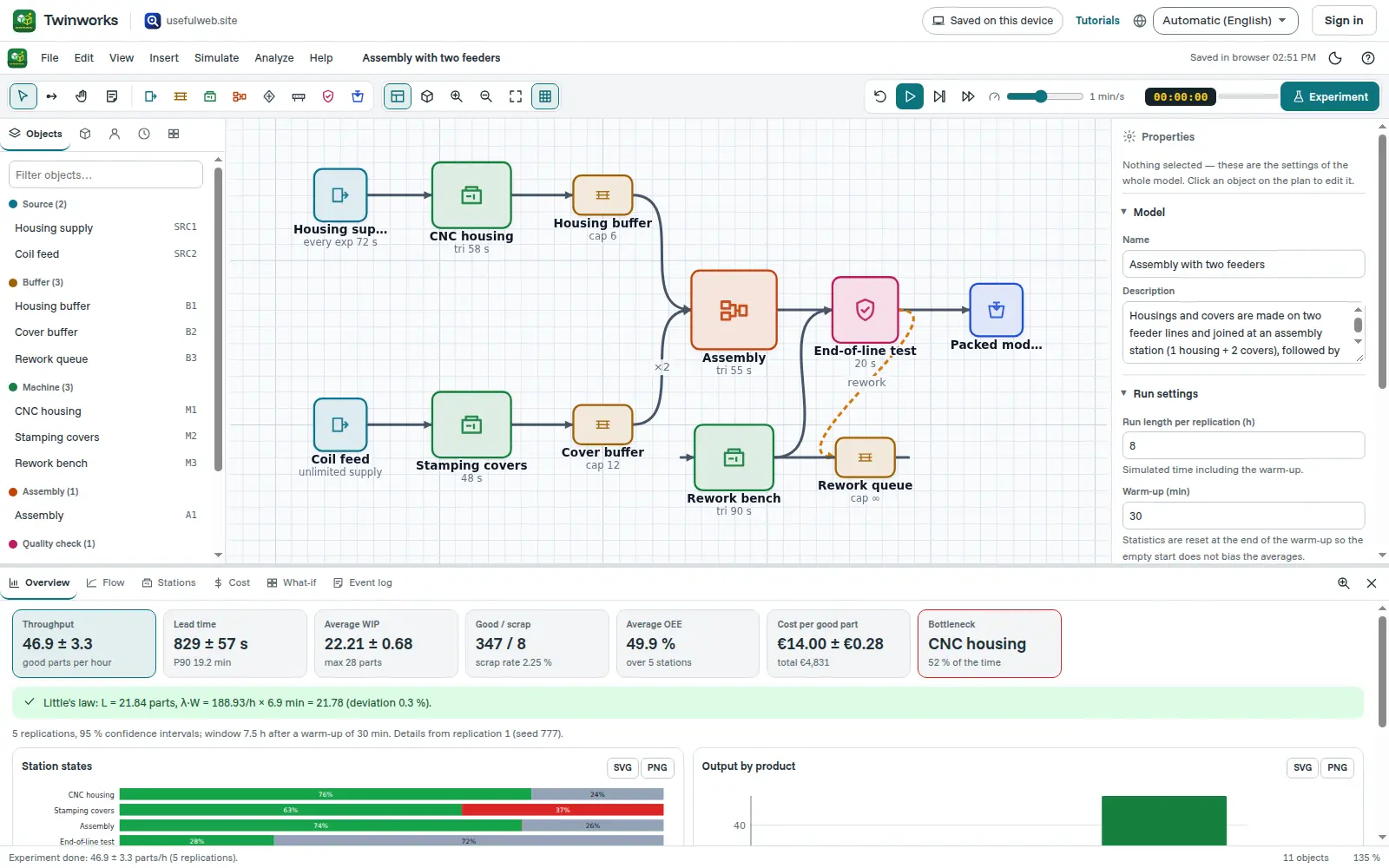
Factory digital twin & production simulation
Model a production line, simulate it and find the bottleneck — free.
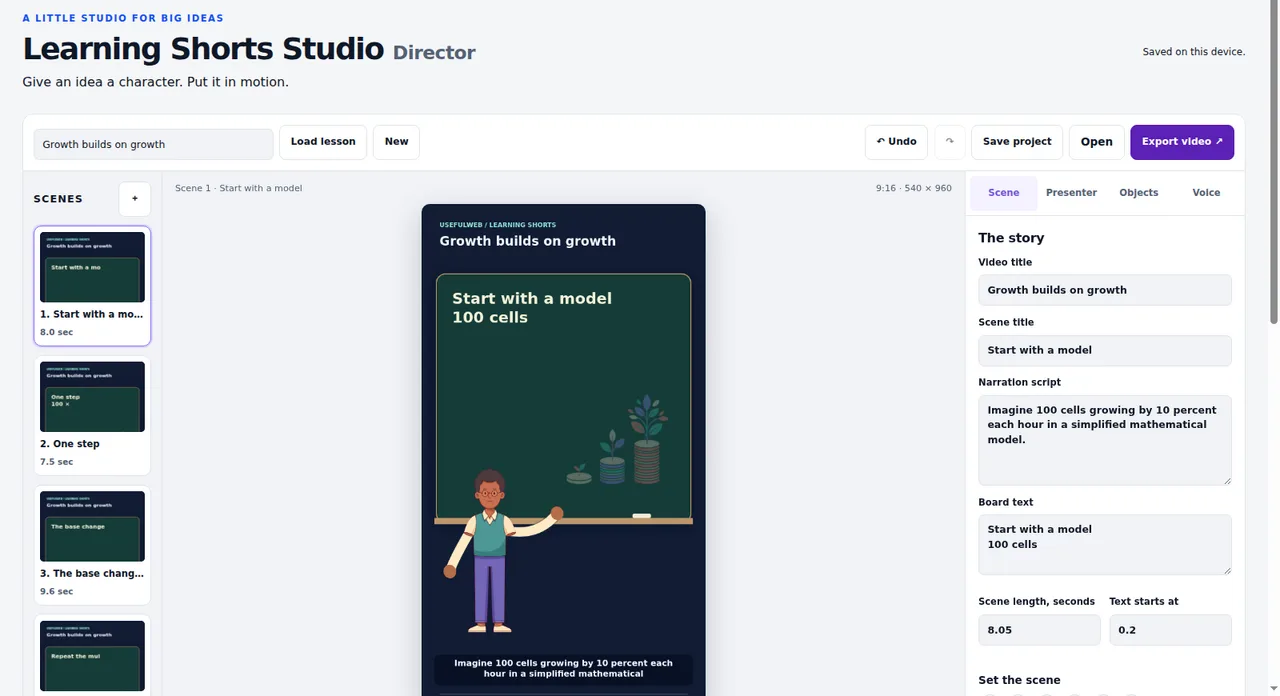
Animated explainer video studio
Turn an idea into a narrated, animated short video with presenters, props and captions.


Pinquest opens in a browser tab, free and with no sign-up.